

Get Started
Sign up for free and generate your first screen in minutes.
MCP Server
Use Flowstep from Cursor, Claude Code, or any MCP-compatible client.
Generating designs
How to write prompts that produce the screens you actually want.
Figma integration
Paste Flowstep designs into an existing Figma file with one shortcut.
How it works
1
Sign up
Create a free account at flowstep.ai. No credit card required.
2
Describe what you want
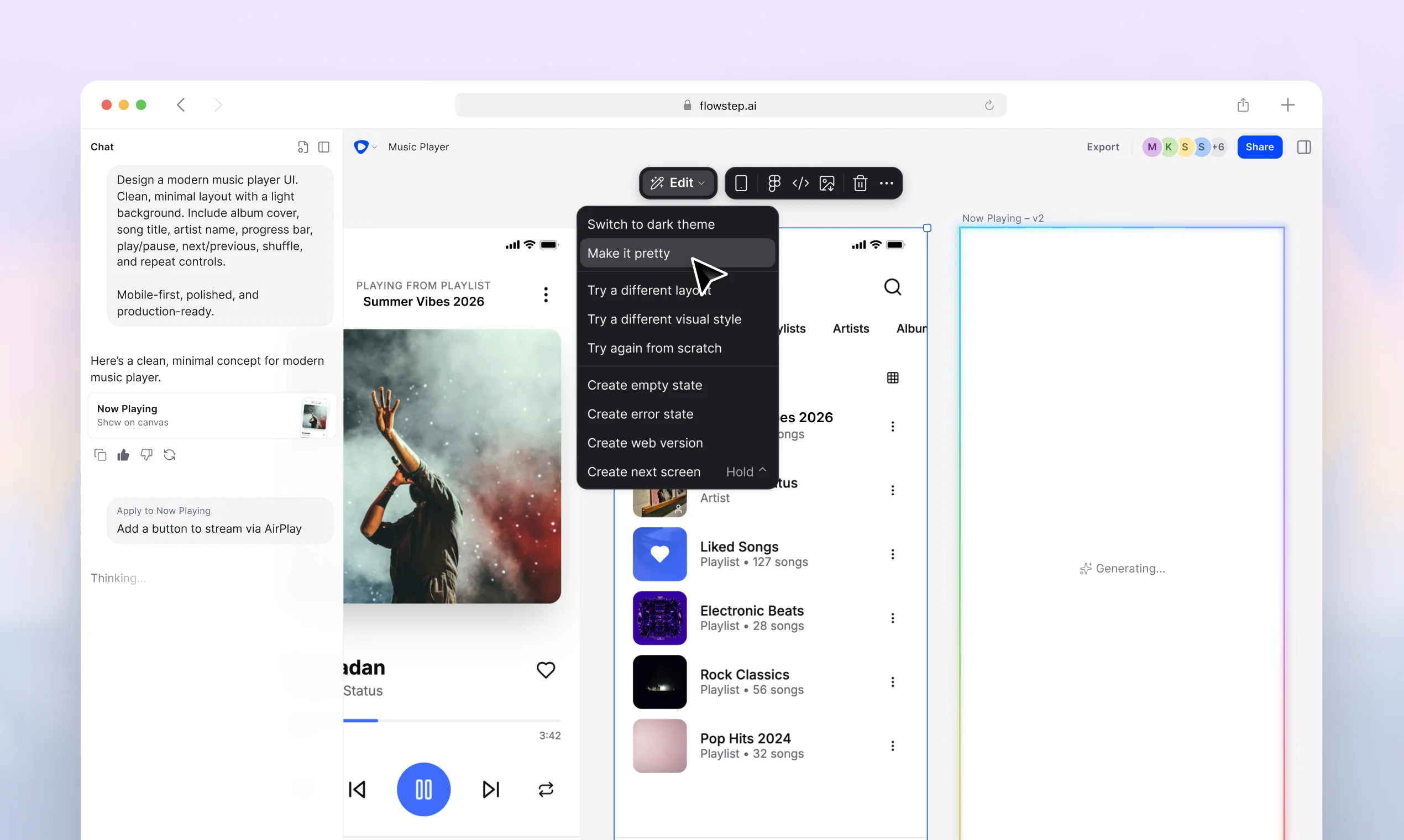
Type a prompt — for example, “Onboarding screen for a fitness tracking app with email signup and a progress goal step.”
3
Generate and refine
Flowstep returns the screen instantly. Iterate via follow-up prompts, edit the canvas directly, or generate variations.
4
Export or share
Export as PNG/JPG, paste into Figma, or share a view-only link with stakeholders. They don’t need an account.
Explore the docs
Editing designs
Refine designs through prompts or direct manipulation on the canvas.
Design references
Attach images, PRDs, or URLs to guide your designs without long prompts.
Sharing designs
Share view-only links — recipients don’t need a Flowstep account.
Billing & plans
Message limits, billing cycles, and plan options.